

Best for
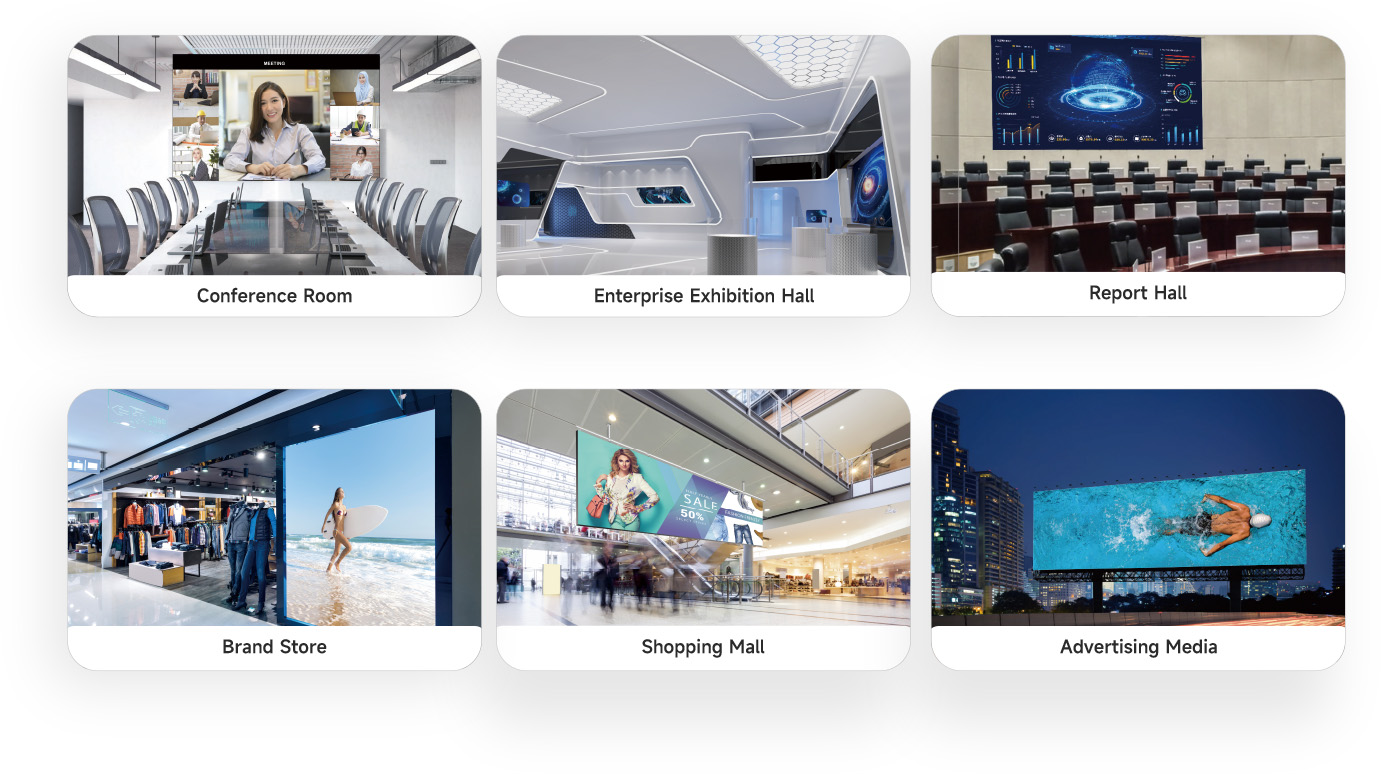
LED screens that need a multimedia player with playback and sending in one unit — shopfront, lobby, and indoor full-colour displays where remote content update matters.
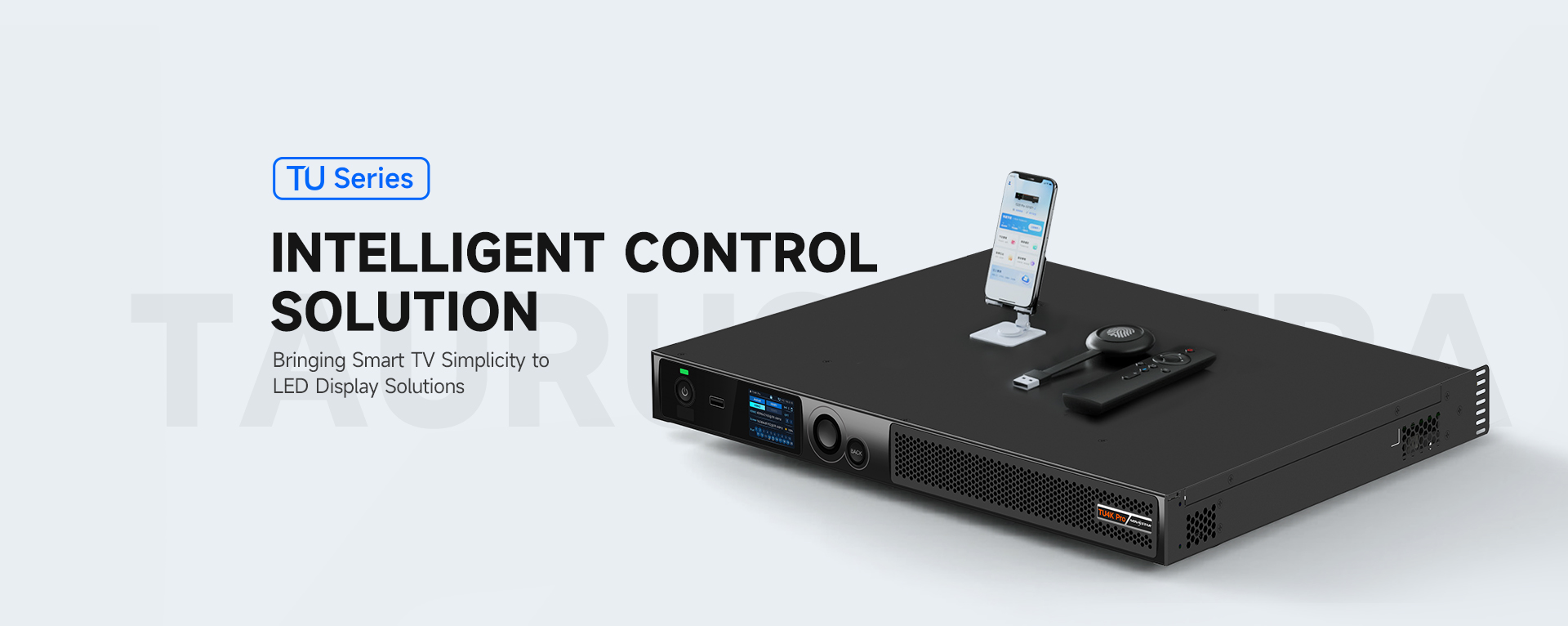

Automatically identify, obtain and issue the receiving card program and configuration file, easy to activate the screen, quick and flexible


With NovaStar’s self-developed algorithm, which could support offline recognition, screen connecting within 5s, stable and efficient.
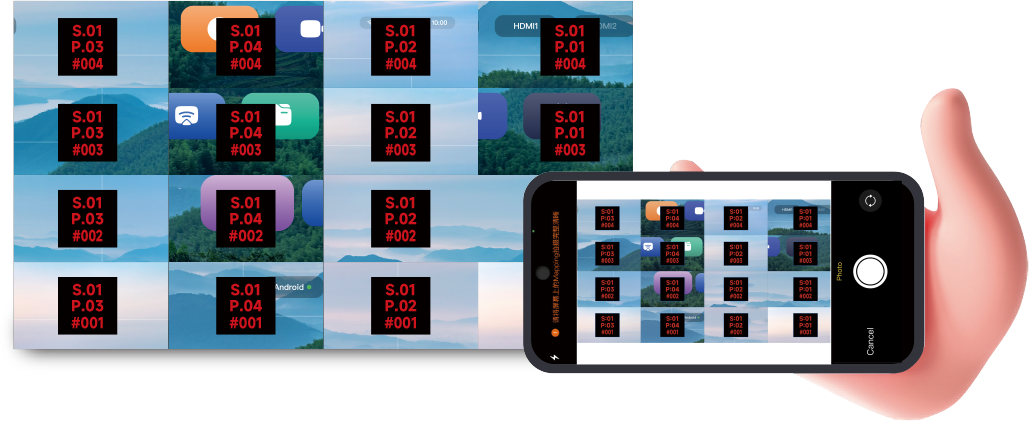

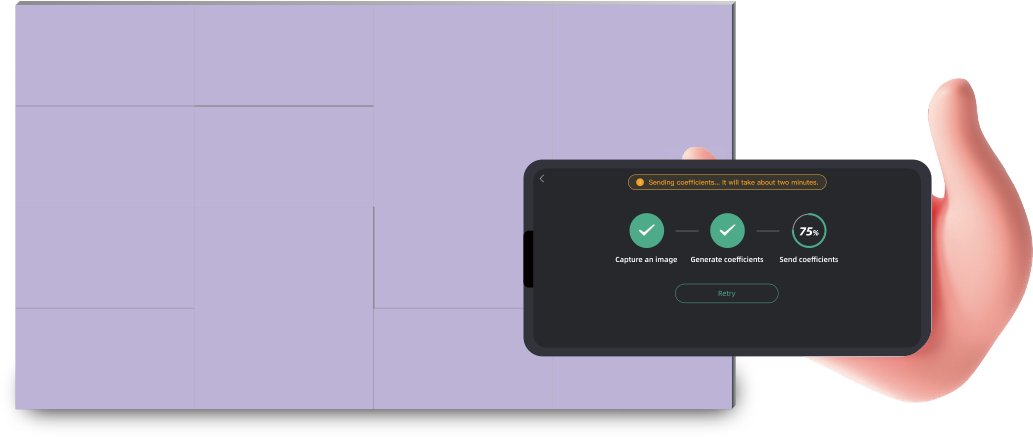
Don’t need professional camera, just photo capture by your phone,eliminates the lines automatically completes the full-screen accurate calibration, and the efficiency is significantly improved.
All-new smooth interaction design.
Simple and easy operation interface.

New touch assistance,
OSD menu one-click call, and other rich functions.
Bring the new experience to users.


Plug and play the USB driver, simplify the display and control.

Support program storage, convenient on-demand display.
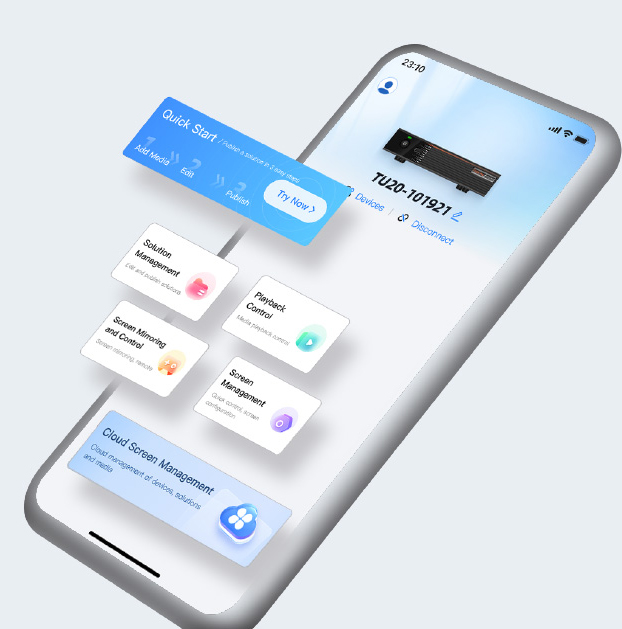
Support fast production of programs, convenient broadcast control in anytime and anywhere.
Support pictures, videos, documents and other via mobile phone mirroring or screen sharing and a series of advanced functions, mobile phone can be used as a remote control, which brings convenient and intelligent.
Support one-click program publish via cloud, long distance control, easy to get started, calmly cope with a variety of application scenarios.

• Multiple mirroring mode, easy to connect.
• High stability, stay online more than 72 hours.
• Smooth display, less than 80ms latency.
• 9 split screen display, more efficient screen mirroring.
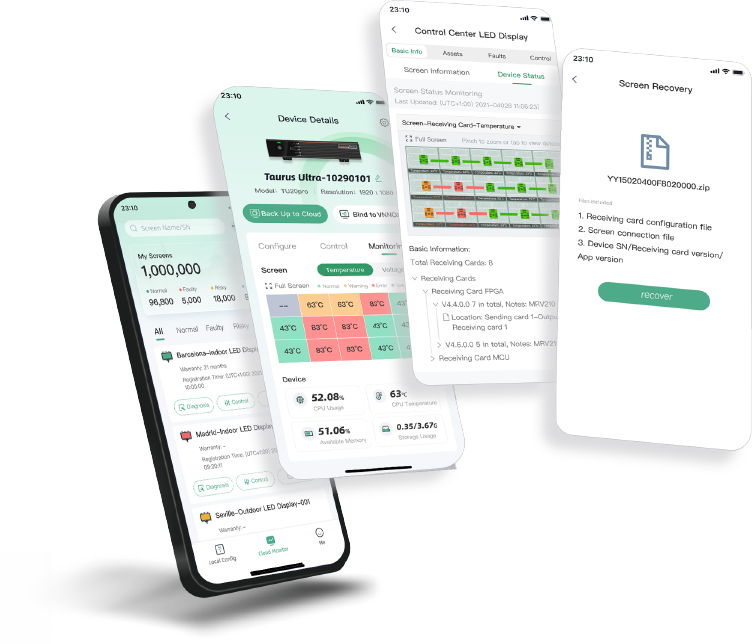
Screen operating status 7×24 hours real-time monitoring, pre-warning of the potential risk.
Provide fault alarms, diagnosis, and locate the issue in time.
The configuration files are backed up to the cloud. When a fault occurs, the configuration files can be recovered with one click, improving the efficiency of after-sales maintenance.
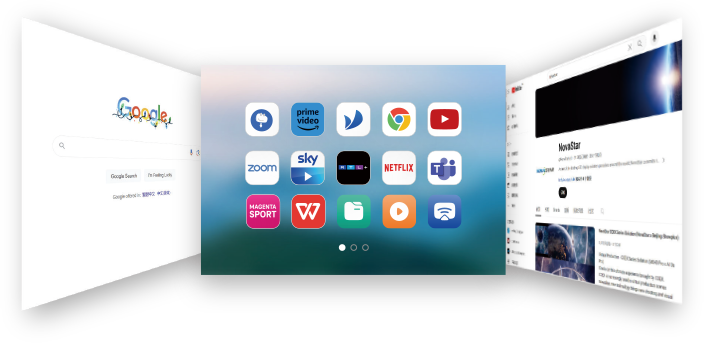
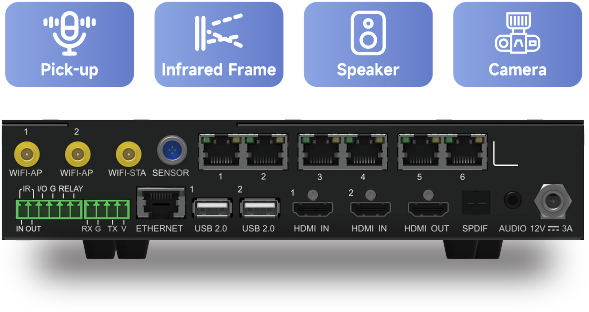
Rich interface, more flexible expansion, to meet the needs of users in different scenarios, at the same time has a perfect software ecosystem, support Tencent Meeting, Zoom, Teams and other mainstream conference software. Software and hardware collaboration brings a truly easy to use and efficient interconnection of the whole scene experience.
Product Model | TU15 Pro | TU20 Pro | TU4K Pro |
Dimensions | 211.7mm×185.0mm×50.6mm | 445.0mm×383.0mm×49.9mm | |
Input Voltage | 100-240V~, 50/60Hz, 3A Max | 100-240V~, 50/60Hz, 2.5A Max | |
Standby Power Consumption | Overall power consumption≤0.5W | ||
Loading Capacity | 2.6 Million | 3.9 Million | 13 Million |
Max. Width&Height | Max. Width 4096 pixels; | Max. Width 16384 pixels; | |
Android | Android 11 | Android 13 | |
Wi-Fi | Wi-Fi6 (AP); Wi-Fi5 (Station) | ||
Memory Space | 4GB/32GB | 8GB/128GB | |
Input Ports | 2×HDMI1.3; 3×USB2.0 | 2×HDMI2.0; 1×HDMI1.3; 2×USB2.0; 1×USB3.0 | |
Output Ports | 4×RJ45; 1×HDMI1.3; 1×3.5mm Audio Output; 1×SPDIF | 6×RJ45; 1×HDMI1.3; 1×3.5mm Audio Output; 1×SPDIF | 20×RJ45; 2x10G OPT; 1×HDMI1.3; 1×3.5mm Audio Output; 1×SPDIF; 1x Phoenix Contact Audio Output |
Control Ports | 1×RJ45; 1×RS232; 1×Sensor | 1×RJ45; 1×RS232; 2×Sensor | |
Intelligent Playback Control | Remote, APP, USB Drive | ||
Wireless Mirroring | Support Type-C/ wireless USB adaptor, | ||
Whiteboard | Support (combined with infrared frame) | ||
Intelligent Voice Control | Support | ||
Free Scaling | Support | ||
Effect Adjusting | Support (Standard, Soft, Theater, Meeting) | Support (Standard, Soft, Theater, Meeting) | Support (Standard, Meeting, Vivid, Skin) |
One-click Eye Protection | Support | ||
Launcher Customization | Support | ||
Boot Animation Customization | Support | ||
Screen Mirroring Activation | Default to activate full screen | Default to activate 9-split screen | |
MEGRA guidance
Short buyer notes from MEGRA (MTV Digital Technology Sdn Bhd, Port Klang). Specs above stay as published. Use this section only to decide fit and next step.
LED screens that need a multimedia player with playback and sending in one unit — shopfront, lobby, and indoor full-colour displays where remote content update matters.
Choose TU15 Pro when you want a compact Taurus/media player style workflow for programme release and screen control from PC, phone, or tablet (loading reference: 2.6 Million) — not a large video processor for big control rooms.
LED receiving cards on the Novastar control path, plus publishing tools such as VNNOX where used. Final card and cable layout depend on your screen design.
MEGRA supplies Novastar products in Malaysia. Not an official Novastar website. No price on this page — ask us for project advice.